The Arizona Game and Fish Portal Account
The Arizona Game and Fish Portal Account
Planning an Arizona ride can mean dealing with two different systems: one for vehicle records and another for certain Game and Fish services. It is easy to create the wrong account, assume a login is a permit, or leave a decal task until the night before a trip. This guide explains what the Arizona Game and Fish Portal account is for, how to prepare for it, and what to check before you ride.
What the Arizona Game and Fish Portal account is for
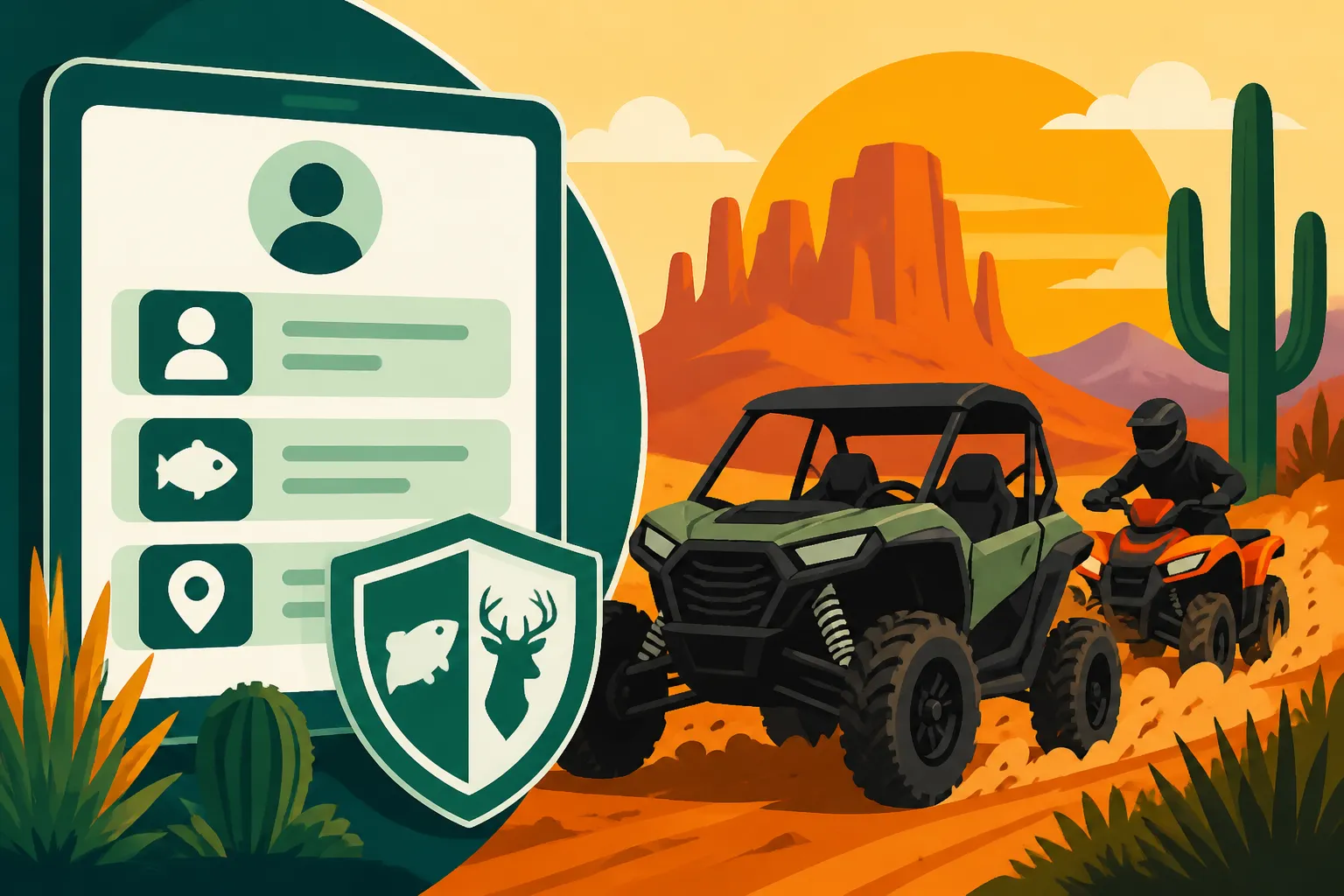
The Arizona Game and Fish Department’s online portal is used for some recreation-related services, including the nonresident OHV decal process and State Trust Land recreational permits. The exact options and steps can change, so use the department’s official portal and instructions when you are ready to act.
A portal account is an online identity for accessing services. It is not, by itself, an OHV decal, a vehicle registration, proof of ownership, or permission to ride on every kind of land. Treat the account as the place where you may complete particular transactions—not as a catch-all riding credential.
This distinction matters because Arizona OHV paperwork involves more than one agency and more than one kind of authorization:
- Arizona Game and Fish Department services may include a nonresident OHV decal transaction, a related course, or a State Trust Land recreational permit.
- Arizona Motor Vehicle Division services handle vehicle records such as title and registration. Arizona residents generally deal with MVD for their machine’s registration and resident decal requirements.
- Land managers set access rules for the places you intend to ride. A decal or permit does not automatically open a closed route or authorize access to private, tribal, or restricted land.
If you are an Arizona resident registering an OHV, the Game and Fish portal is not a substitute for the MVD process. Start with Registering an OHV in Arizona if you need to understand the vehicle-registration side. If you are visiting from another state, Arizona Rules for Visiting Riders can help you identify which visitor requirements may apply.
The portal is most useful when you have a specific transaction in mind. Before creating an account, decide whether you need to:
- Complete a course connected with an OHV decal requirement.
- Obtain a nonresident decal for a machine you will operate in Arizona.
- Apply for a recreational permit for State Trust Land.
- Manage another Game and Fish service available through the portal.
Do not assume that one transaction covers the others. For instance, a nonresident OHV decal and a State Trust Land recreational permit serve different purposes. One relates to OHV requirements; the other concerns particular activities on State Trust Land. You may need both for a trip, and neither necessarily grants access to land managed by another agency.
Know which account and requirement applies to you
The first task is not entering your email address. It is identifying your situation. Your residency, the machine’s registration, the kind of decal you need, and where you plan to ride can all affect which process applies.
| Your situation | What to check first | What the Game and Fish portal may be used for |
|---|---|---|
| You live in Arizona and are registering an OHV | Arizona title, registration, and resident decal requirements | It may be useful for separate Game and Fish services, but it does not replace MVD registration |
| You are visiting Arizona with an out-of-state machine | Whether Arizona requires a nonresident decal for your machine and trip | The nonresident decal process and any associated course steps |
| You plan to ride on State Trust Land | Whether the specific parcel allows your activity and what permit applies | Applying for an individual or family recreational permit, if required |
| You have a street-legal machine | Whether its plate and registration meet the applicable Arizona requirements | Confirm whether a decal is required or an exception applies; do not rely on assumptions |
| You are borrowing or renting a machine | Who is responsible for the machine’s paperwork and whether the machine already meets the requirements | Confirm whether you personally need an account or course, and whether the machine’s paperwork is sufficient |
| You are planning a group ride | Requirements for each operator, each machine, and every type of land on the route | Complete eligible transactions, but do not assume one account or decal covers everyone |
For visitors, the nonresident decal process is a common reason to use the portal. Arizona has a separate process for out-of-state riders, and the purchase is handled online. Read Buying a Non-Resident Decal Online Only before you plan to rely on an in-person purchase. If you ride a machine registered in Nevada, California, Utah, or New Mexico, do not decide based only on the machine’s home-state rules. Check the Arizona requirement for your circumstances. The state-specific guides Do Nevada Riders Need an Arizona Decal? and Do California Riders Need an Arizona Decal? can help frame those questions.
A street-legal plate can affect what you need, but it is not a reason to guess. Registration type, machine classification, and the details of your intended use matter. Review Street-Legal Plates in Place of an Arizona Decal and confirm the current rule through the appropriate official channel.
State Trust Land is another source of confusion. It is not interchangeable with federal public land, county land, or a trail corridor that happens to cross several types of property. A permit may be required for recreational activities on State Trust Land, while a permit alone does not make every parcel or route open. Before heading out, use Arizona State Trust Land Recreational Permits and Why a Decal Alone Will Not Let You Stage to separate the permit question from the access question.
If you rent or borrow a machine, ask the owner or rental business what has already been arranged. Find out whether the machine’s paperwork is current, whether its registration or decal covers the planned use, and whether you must complete a course or personal transaction yourself. A machine being available for rent does not automatically prove that every operator has satisfied every separate requirement.
Prepare before you create or use the account
A few minutes of preparation can prevent a frustrating transaction, especially if the portal needs you to verify an email address or match your information with a course or purchase record.
Use your own, accessible email address
Choose an email account you can open while traveling. If the portal sends a verification message, receipt, or status notice, an old address you rarely check can delay you. A personal email address is usually more practical than a work address that could become inaccessible if you change jobs.
Before starting, check that:
- You can sign in to the email account from your phone or another device.
- You know the password or can reset it.
- The inbox is not full.
- Messages from the department are not being filtered into spam or junk.
- You can recognize the email address you entered if you later need to recover the portal login.
If you manage travel with a shared family email account, agree on who will monitor messages and who will keep the login details. Avoid creating duplicate accounts simply because one person cannot find a confirmation email. First search the inbox, spam folder, and any email address that might have been used previously.
Gather accurate personal details
Enter your information consistently and carefully. A difference in name spelling, birth-date entry, or email address can make it harder to match an account with a course completion or transaction. Use the information requested by the official portal and follow its instructions for any special cases, such as a name change.
For a group trip, do not assume one person’s account automatically completes requirements for every rider. Make a simple list of operators and machines, then confirm which steps apply to each person. Keep separate records for each operator when the process calls for individual completion.
Have machine and trip details ready
The account itself may not require every machine detail, but related transactions can. Before you begin, collect the information the official instructions ask for, such as details from the machine’s registration or ownership paperwork. Do not guess at a vehicle identification number or copy one from an old listing. Check the machine directly and compare it with its documents.
It is also useful to know:
- Whether the machine is registered in Arizona or another state.
- Whether it has an off-highway or street-legal registration.
- Whether you are the owner, a borrower, or a renter.
- The dates of your trip and the areas you intend to visit.
- Whether your route crosses State Trust Land or other land with separate access conditions.
You do not need to share sensitive account or payment information with a seller, riding companion, or stranger who offers to “handle” the process. Use the official portal and protect your credentials.
Set up a practical record-keeping system
Save confirmation messages and receipts somewhere you can reach offline. A screenshot can be handy, but do not rely on a screenshot alone if the department provides a formal receipt or another required proof. Keep the original message or downloadable document as well, and note the account email used for the transaction.
A small digital folder on your phone can hold your confirmations, vehicle documents, route notes, and emergency contacts. If you prefer a paper backup, a simple document pouch can keep copies together in your tow vehicle. Some riders pick up a water-resistant pouch through Amazon for this purpose; it is optional, and it does not replace carrying any document the rules specifically require.
Because a portal transaction may involve identity, vehicle, or payment details, do not use a shared public computer if you can avoid it. If you must use one, sign out completely, avoid saving passwords, and close the browser when finished. A phone power bank—available from many retailers, including Amazon—can be useful on a trip, but do the account work before you are relying on a weak trailhead signal or a nearly depleted battery.
Create the account and complete the transaction carefully
The portal’s screens and labels can change. Follow the current instructions on the official Arizona Game and Fish site rather than relying on an old video or a saved set of screenshots. The broad process is usually straightforward: reach the correct service, create or access your account, verify the login if prompted, and then complete the specific transaction you need.
- Go to the official Arizona Game and Fish portal. Start from the department’s official website rather than a search advertisement or an unfamiliar third-party page. Check that the page is the correct service before entering personal or payment information.
- Choose the relevant service. A nonresident OHV decal, a course, and a State Trust Land permit are not interchangeable. Select the service that matches your situation and read its instructions before moving forward.
- Create an account or sign in. Use an email address you can access. If you may already have an account, try the account-recovery process before making another one.
- Complete any email verification or account prompt. Look in your inbox and spam folder. Follow the message instructions, and return to the portal using the official site if the email directs you to a login.
- Enter the requested information carefully. Use the correct operator and machine details for the transaction. Review each field before submitting.
- Complete any required course step. If the current rules require a course for your transaction, finish it through the method the portal or department specifies. Do not assume that opening a course page means the course has been recorded as complete.
- Review the full transaction before payment or final submission. Check the service selected, the information entered, and any stated delivery or processing details. If something is unclear, pause and ask the department rather than trying random options.
- Save the confirmation and check the status. Keep the receipt or completion notice. If the portal provides a status page, return to it and confirm that the transaction is complete rather than merely started.
The course step deserves particular attention. Arizona has information about an OHV decal course and who must take it, but applicability can depend on the current rule and the type of transaction. Before relying on a course you completed in the past, confirm whether it remains accepted for the purpose you have now. Who Must Take the Arizona Decal Course and Does a Returning Rider Repeat Arizona’s Decal Course? address questions riders commonly raise. If you want to plan your time, How Long the Decal Course Takes and Is the Arizona Decal Course Free? may also be useful; verify current details directly with the department.
After completing a course, do not assume that every account or transaction updates instantly. Keep the completion confirmation and follow the portal’s next-step instructions. If the portal does not recognize the course, avoid repeating the whole process without checking whether you used the same account or personal details. A mismatch between accounts is one reason a valid completion may be difficult to locate.
For a nonresident decal, pay close attention to the delivery and timing information shown during the purchase. Do not assume a confirmation page means a physical decal is already in hand, or that an order will arrive before your departure. Read Where an Arizona Non-Resident Decal Is Mailed and Riding Arizona While the Decal Ships if timing is tight. If you are buying close to your trip, Buying an Arizona Decal Before You Drive Out can help you think through the sequence.
Keep the account, decal, and land access separate
An account is only one layer of trip preparation. Riders often get into trouble by treating a successful login or purchase as proof that every part of the trip is authorized.
The portal account is not vehicle registration
An online Game and Fish account does not create an Arizona title or registration record. For a resident machine, use the proper MVD process and keep its documents current. For an out-of-state machine, check both the home-state paperwork and Arizona’s visitor requirements. A machine that has a valid title is not automatically ready for every kind of Arizona riding, and a decal does not establish ownership.
For an Arizona machine, the distinction between an off-highway-only registration and a street-legal registration can affect what paperwork and equipment apply. Review Arizona MVD OHV Registration Explained for the MVD side of the process. For a machine with street-legal plates, confirm the plate type and rules rather than assuming that any plate replaces a separate requirement.
A decal is not a universal access pass
An OHV decal does not override a gate closure, land-manager restriction, private-property boundary, seasonal closure, or route designation. Nor does it necessarily cover the right to park a trailer, stage a group, or camp on a particular parcel.
Before a ride, check the route and the land it crosses. That may mean looking at the relevant travel map, checking current closures, confirming whether a permit is needed, and ensuring that the route is open to your machine’s width and type. A route that appears on a map may still have conditions or a temporary closure.
If your plan includes State Trust Land, confirm the permit type and the activity it allows. An individual permit and a family permit may not be identical in who they cover. Read the current permit terms and make sure the people in your group are included as required. Then check the route itself: permission to conduct a recreational activity on eligible State Trust Land does not mean every road or trail across the parcel is open to motorized travel.
One operator and one machine may involve different records
The operator’s course or account and the machine’s decal or registration are not necessarily the same thing. A family may have one registered machine but several people who take turns driving. A group may have several machines but one person organizing the online purchases. Record each person’s and machine’s status separately.
For a rental, ask the shop clear questions before the booking is final:
- Is the machine’s required Arizona paperwork current?
- Does the shop provide or arrange any required decal?
- Does each operator need to complete a separate course or online step?
- Are there limits on where the machine can be taken?
- What proof should the renter carry?
- What happens if a decal or confirmation is still being processed?
Do not assume that a rental agreement answers every legal or land-access question. The shop can explain its own paperwork and route restrictions, but you remain responsible for following the rules that apply to the trip.
Troubleshoot common portal problems
Most problems are ordinary account or timing issues. Slow down before making a second account, paying twice, or beginning a course again.
You cannot find the confirmation email
Check spam, junk, promotions, and any secondary inbox. Search for the department name and the email address used during registration. If you have more than one email account, check each one before restarting. A mistyped email address can be difficult to correct without support, so use the portal’s account-recovery or contact option if the verification message never arrives.
The portal says your account already exists
Use the recovery process instead of creating another account with a slightly different spelling or email address. Duplicate accounts can split your records, making it hard to find a course, receipt, or permit later. If you cannot recover the account, contact the department through the official contact information and explain what you tried.
A course completion does not appear
Check whether you signed in with the same account used to take the course. Compare the name and other details entered on the course with the portal profile. Save any completion message or certificate. If the record still does not show, contact the department before repeating the course or buying a second transaction.
Payment or submission seems incomplete
Look for a confirmation number, receipt, or status entry before submitting again. A browser freeze or a closed tab does not always mean the payment failed. Check the portal’s transaction history, your email, and the payment account before trying another payment. If you see a charge but no confirmation, use the official support channel and provide the transaction details they request—never send a full card number by ordinary email.
You are unsure whether a transaction applies to your machine
Stop and confirm before paying. A resident registration process, a nonresident decal process, a course, and a State Trust Land permit answer different questions. If your machine is street-legal, rented, borrowed, unusually classified, or registered out of state, describe those facts when you contact the relevant agency. General advice from a riding group may be useful for planning, but it is not a substitute for confirming the rule that applies to your exact situation.
You have poor service near the trail
Do not leave account setup or a required purchase until you reach the staging area. Mobile coverage may be unreliable, and an online portal may not work well on a weak connection. Complete the transaction at home or somewhere with dependable service, save the confirmation, and download any needed documents for offline access.
If you keep copies on a phone, protect the device with a passcode and avoid leaving account passwords in an unsecured note. You can also keep a paper copy of important confirmations in your vehicle. A basic folder or document sleeve found through Amazon can be a convenient option for keeping paper backups dry and together, but the important part is having a usable copy—not where you bought the sleeve.
Make the account part of a repeatable trip checklist
Once you have an account, keep a small checklist so the same confusion does not return before the next ride. It should distinguish what is personal, what belongs to the machine, and what depends on the land or route.
Before each trip, confirm:
- Account access: You can still sign in, the email address works, and account-recovery details are current.
- Operator requirements: Each person who will operate a machine has completed any required course or other applicable step.
- Machine paperwork: Registration, decal, plate, and ownership documents match the machine being taken.
- Transaction status: Any purchase or permit is complete, and you have saved the confirmation.
- Delivery timing: If a physical decal is involved, you understand where it is sent and whether it will arrive before the ride.
- Land access: The route is open, the machine is allowed, and any separate permit applies to the people and activities in your group.
- Rental or borrowed-machine details: The owner or shop has explained what is covered and what each operator must do.
- Offline backup: Important receipts, route information, and emergency details are accessible without a live connection.
It can help to save a short note with the account email, the official portal address, and the department contact route. Do not store your password in an unprotected note or share it casually with everyone in a group. If another adult needs access to complete their own transaction, have them use their own account as directed.
For repeat trips, do not assume that a past decal, permit, or course carries forward indefinitely. Check the current term, expiration, and renewal instructions for the specific item. Requirements can differ between services, and the portal may present updated instructions when you sign in. A quick check before leaving is much easier than trying to resolve a record mismatch at the trailhead.
The same caution applies to documents kept on the machine. A receipt on your phone can be useful, but it is not automatically a substitute for whatever proof an officer or land manager may request. Learn what you need to carry for your particular registration and route. Do You Carry Papers on an Arizona Trail? and What an Arizona Ranger Asks a Rider For can help you prepare without confusing an online account with the documents that may be required during a ride.
For riders who are organizing a larger trip, assign one person to check the route and land status, but have each operator verify their own requirements. A group spreadsheet can track names, machine descriptions, transaction status, and confirmation numbers without sharing passwords. Keep the sheet private, and avoid collecting sensitive information that the organizer does not need.
A well-prepared portal account removes one administrative obstacle. It does not replace checking the rules, confirming the machine’s paperwork, or planning for the desert itself. Finish the online steps early, save the proof, and confirm every part of the route separately. That is a more reliable approach than assuming one login or one decal covers the whole trip.
Disclaimer
This article is for general informational purposes only and does not constitute professional advice. Laws, prices and regulations vary by location and change over time. Consult a qualified professional for guidance on your specific situation.