Carrying a Satellite Messenger in the Arizona Desert
A ride can feel close to town until a breakdown, injury, or wrong turn leaves you beyond cell service. In Arizona’s deserts, canyons, and remote trail networks, a satellite messenger can help you call for assistance or let someone know you’re delayed. This guide explains how to choose, prepare, and use one responsibly on an off-road trip.
Why carry a satellite messenger in the Arizona desert
Cell coverage can disappear quickly
A phone may work at a staging area and lose service just a short distance down the trail. Coverage can be especially unpredictable around canyon walls, rugged terrain, and remote routes near Table Mesa, Four Peaks, and the Sonoran Desert. Even when a phone shows a signal, it may not be reliable enough to make a call or send a message.
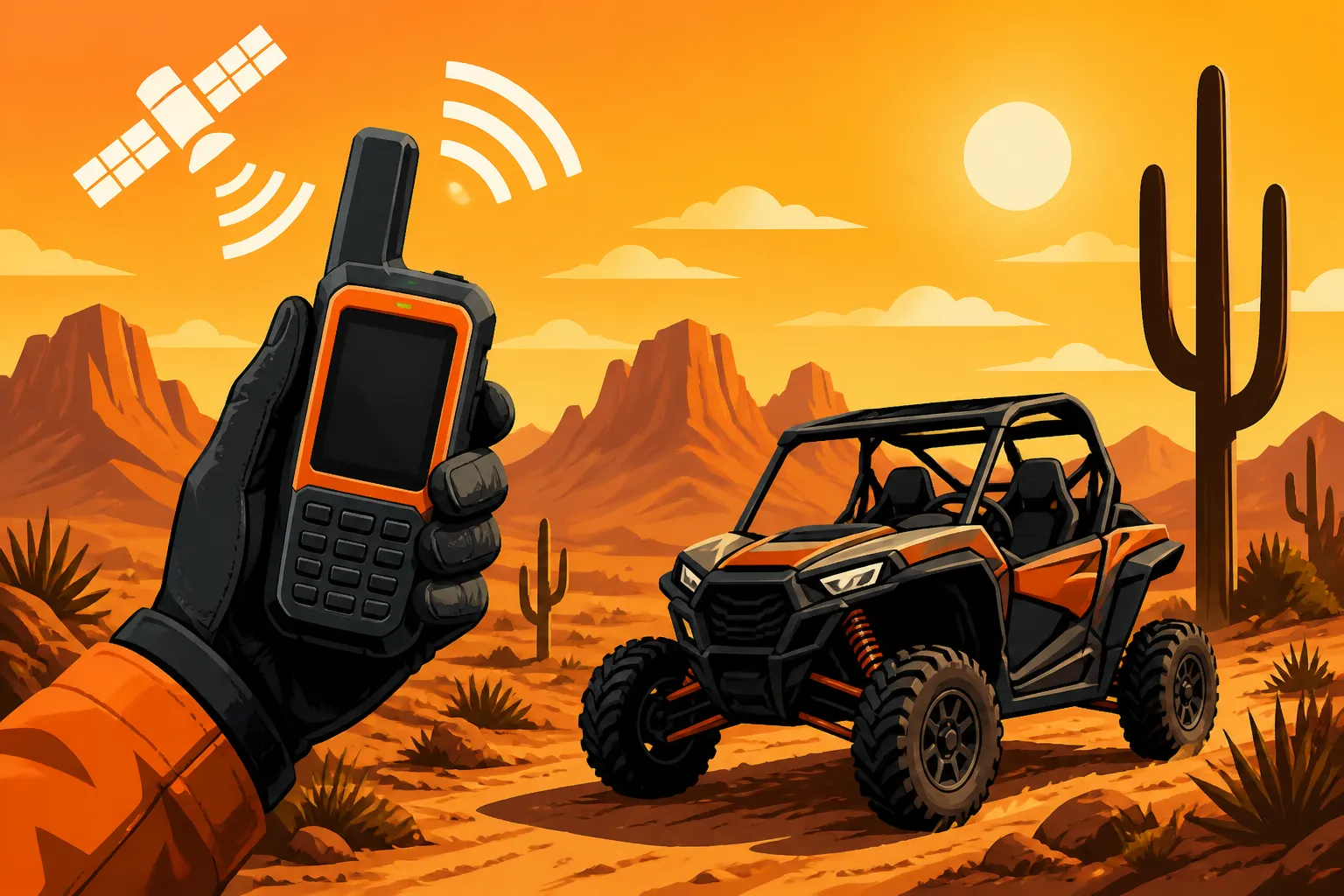
That uncertainty matters when a rider is hurt, a vehicle is disabled, or the group becomes separated. A satellite messenger communicates through satellites rather than relying on nearby cellular towers. Depending on the device and service, it may support two-way messaging, location sharing, or an emergency SOS alert. Capabilities vary, so check what a specific model and service actually provide before relying on them.
A satellite device is a backup, not a guarantee that help will arrive instantly. Terrain, weather, device setup, battery condition, and the nature of the emergency can all affect what happens next. It works best as one part of a broader plan that includes navigation, first aid, water, and a person at home who knows when to raise the alarm. For more on coverage gaps, see Cell Dead Zones in the Arizona Backcountry.
What a satellite messenger can and cannot do
A satellite messenger is designed for outdoor communication beyond ordinary cell coverage. Models differ: some allow only a one-way distress alert, while others support two-way conversations and routine check-in messages. Some include tracking or navigation features. Before a trip, learn the exact functions, limitations, and operating steps for your device rather than assuming every unit works the same way.
It is also useful to distinguish a messenger from a satellite phone or a personal locator beacon. A satellite phone is intended for voice calls. A personal locator beacon is primarily an emergency signaling device, and its features and alerting process differ from those of a messaging unit. A messenger may offer more regular communication, but the available functions depend on its design and service arrangement. These are different tools, not interchangeable labels.
No satellite device replaces judgment. It cannot make a route safe, assess an injury, tow a disabled UTV, or guarantee that rescuers can reach your exact position quickly. Keep your phone, but do not treat it as your only way to call for help. Also make sure your companions know where the emergency device is and how to activate it if you cannot.
When it is especially useful
A messenger is worth considering whenever your route enters an area where you cannot count on cell service and a delay could become serious. That may include a solo ride, a long route with limited access points, or a trip where the group is spread across several machines. It can also provide reassurance when your planned route passes through remote terrain, even if most of the ride goes smoothly.
The need is not limited to dramatic adventures. A flat tire that cannot be repaired, a mechanical failure near dusk, or a rider who becomes ill in extreme heat can turn a routine outing into a problem. In Arizona, a group may be close to a road on the map yet still face difficult terrain, heat exposure, or a long wait for recovery.
For riders who travel alone, the stakes are higher because there may be no companion nearby to assist or make a call. Read Riding Alone in the Arizona Desert before heading out solo, and decide in advance what circumstances would make you turn back or change the route.
Choosing a device and preparing it before the ride
Compare the features that affect your trip
Do not choose a device based only on its advertised emergency function. Think about how you will use it: Do you want to send routine check-ins? Would two-way messages help you explain a situation? Will another person need to follow your progress? How will you carry and power the unit on a dusty, hot ride?
| Feature to consider | Why it matters on a desert ride | What to check before buying or departing |
|---|---|---|
| Emergency SOS | Provides a way to request help outside cell coverage | How to trigger it, cancel a false alert, and communicate afterward |
| Two-way messaging | Can help clarify the type and location of a problem | Whether replies are supported and how messages are sent |
| Location sharing | Lets a trusted person see progress or a last known position | How often locations update and whether sharing must be activated |
| Battery life | Heat, repeated use, and trip length can affect power needs | Manufacturer guidance, charging method, and battery status |
| Device durability | Dust, vibration, and handling are part of off-road travel | Weather resistance, mounting options, and care instructions |
| Subscription or service | Satellite functions may depend on an active plan or service | What must be active before the trip and how renewal works |
A simple unit with only emergency signaling may suit a rider who wants a dedicated distress tool and already has a separate navigation plan. A two-way messenger can be more useful when you want to communicate details or send routine updates. A satellite phone may make sense for trips where voice contact is important, but it is a different type of device and may involve different operating requirements.
Do not assume that an advertised feature is included automatically. Confirm whether a service plan, activation, or account setup is needed, and check the provider’s own information for current terms and costs. Keep the device instructions accessible, not buried in an email you cannot open offline.
Set up the device at home
Activate and test the unit before you leave, following its instructions. Send a test message if the service supports it, confirm that your emergency contacts receive it, and make sure you understand what an SOS alert does. A test is also a good time to discover that an account is not active, a contact detail is outdated, or the device is not configured the way you expected.
Show your riding partners how to operate the device. If it is mounted on the driver’s machine, decide what happens if that machine is disabled or the rider is injured. One person in each group should know where the device is and how to use it. Keep it accessible rather than packed at the bottom of a storage box.
Charge it fully, inspect it for damage, and check it again before each trip. A power bank can help with charging, but it is not a substitute for starting with a charged device and understanding its battery limits. Keep the device where its instructions recommend for satellite communication; a closed metal compartment or a position blocked by the vehicle may interfere with its connection.
Pair it with an offline navigation plan
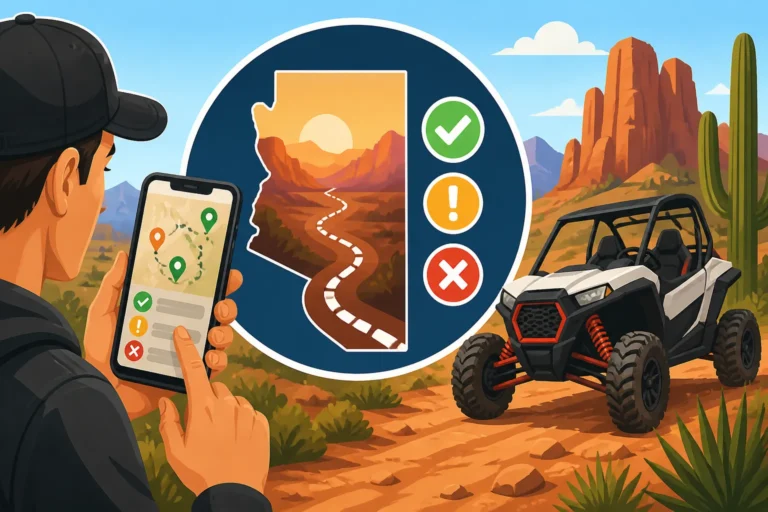
A messenger is not the same as a route-finding tool. You still need to know where you are going and how to retrace your route if plans change. Download or carry the maps and route information you expect to use before leaving service. Apps such as onX Offroad can help riders review routes and prepare navigation information, but check the specific map features you will rely on and make sure they are available offline.
Mark useful reference points in advance: your staging area, trail junctions, planned turnaround point, and likely exits. A location pin from a messenger may help others understand where you are, but it does not automatically tell you which route is safe or passable. For route planning, Finding the Right Travel Management Map and Planning an Arizona Riding Trip are useful companion topics.
A practical habit is to have both the driver and a passenger or riding partner understand the route. If one person is focused on driving, the other can help monitor junctions, track progress, and compare the group’s position with the plan. onX Offroad can be part of that navigation setup, but do not make a single phone app the only source of route information.
Using a satellite messenger during an emergency
Share a trip plan before you leave
Give a trusted person a clear itinerary before the ride. Include the staging location, planned route or riding area, expected departure and return window, vehicle descriptions, number of riders, and a contact method. Explain when you will send a check-in and what that person should do if you miss it.
Be specific about your check-in plan. “We’ll be back tonight” leaves room for confusion. A useful plan might identify a particular time to check in and a reasonable grace period before the contact starts calling the group or seeking help. The right timing depends on the route, ride length, and conditions. Avoid setting expectations so tight that a minor delay creates panic, but do not leave the return time open-ended.
Tell the contact whether your route may change and how you will update them. If a route is closed, weather changes, or the group decides to turn around, send a message when possible. onX Offroad can help you prepare route details to share, while the messenger provides a separate communication channel when cellular service is unavailable.
Send useful messages and use SOS deliberately
Routine messages should be short and clear. Include your group’s status, location or nearest known landmark, and what you need. For example, a message might say that the group is safe but delayed by a mechanical issue, then identify the route junction or coordinates available through the device. If the device supports replies, leave it accessible and check for responses according to its instructions.
Use the SOS function for a genuine emergency that requires outside assistance. Follow the device’s prompts and keep the unit available after activating it, since follow-up communication may be important. Do not trigger an alert as a test unless the manufacturer provides a specific test procedure; a test alert can be mistaken for a real emergency. If an alert is activated accidentally, follow the cancellation procedure and communicate the mistake as instructed.
If you are unsure whether a situation qualifies as an emergency, focus on immediate safety. A serious injury, a life-threatening heat illness, or a situation where the group cannot safely self-rescue may require emergency assistance. A routine delay or repair problem may be better handled with a message to your contact, if the device supports that. The right response depends on the circumstances and the device’s emergency process.
Keep the group safe while help is being arranged
Once you have communicated, do not make the situation worse by rushing into an unsafe recovery. Move out of immediate danger if you can do so safely, provide first aid within your training, and conserve water and battery. Keep the group together where practical. If someone must leave to seek help, decide who stays with the injured rider and who carries the communication device.
In desert conditions, heat can make a delay more dangerous. Seek shade where possible, reduce unnecessary exertion, and watch for signs of heat illness. Do not assume that a rescue team can reach a machine by the shortest line on a map; terrain, access restrictions, and the type of vehicle needed may affect response. Share clear information about injuries, hazards, and access points when you have the opportunity.
Preparation makes these decisions easier. Review How Much Water a Desert Ride Needs and First Aid an Hour From Pavement before traveling somewhere remote. A satellite messenger is valuable, but it is only one part of the response.
Building a reliable desert communication routine
Check conditions and route status before departure
A reliable communication plan starts before the engine does. Check route status and relevant land-access information, especially after storms, during fire restrictions, or when seasonal closures may affect your plan. A route you rode previously may not be open or suitable today. Use current information from the responsible land manager when available, and carry a map that helps you understand boundaries and alternate routes.
In Arizona, conditions can vary widely between the low desert and higher elevations. Heat, monsoon storms, dust, and rapidly changing terrain can affect both safety and communications. Decide where you will turn around if the route becomes difficult, and make sure the person at home knows the expected plan. See Checking Arizona Trail Status Before You Drive before setting out.
Use onX Offroad as one part of route preparation if it fits your navigation routine, and confirm that the maps and route details you need are saved for offline use. A digital map can be helpful, but it should not replace an understanding of the route, land access, and likely exit points. Carry another source of navigation information if your trip warrants it.
Make the device part of a repeatable checklist
A short pre-ride checklist prevents avoidable failures. Check that the unit is charged, service is active where required, emergency contacts are current, and the SOS procedure is familiar. Confirm that it is packed or mounted where someone can reach it if the primary rider cannot. Tell the group who is responsible for carrying it and who knows how to operate it.
After the ride, recharge the device and note anything that needs attention. If you changed contacts, routes, or account details, update them before the next trip. Practice messages and map-sharing at home rather than learning under pressure beside a disabled machine.
Most importantly, be honest about the trip’s risks. A satellite messenger can reduce the communication gap when cell service disappears, but it does not make a remote route risk-free. Pair it with a realistic itinerary, conservative riding decisions, good navigation, adequate water, and a clear plan for getting help. That combination is far more useful than buying a device and hoping you never need to touch it.
Disclaimer
This article is for general informational purposes only and does not constitute professional advice. Laws, prices and regulations vary by location and change over time. Consult a qualified professional for guidance on your specific situation.