The Arizona Portal Account Every Rider Needs
Navigating Arizona's OHV world can feel like a puzzle, especially with permits and decals seemingly scattered across different agencies. Many riders find themselves frustrated just trying to keep everything in order for legal riding. This guide is here to demystify the Arizona Game and Fish Portal Account, explaining why it's not just another online login, but an indispensable tool for every OHV enthusiast, streamlining all your essential OHV needs.
What Exactly Is the Arizona Game and Fish Portal Account?
When you first hear "Arizona Game and Fish," your mind probably jumps straight to hunting and fishing licenses, right? Most folks, even seasoned OHV riders, initially overlook that this same department is the central hub for many of our off-highway vehicle needs here in Arizona. That's why the Arizona Game and Fish Portal Account is so important – it’s a one-stop digital dashboard where you can manage a surprising number of tasks related to your ATV or UTV, saving you a lot of headache and paperwork shuffling. It’s the state’s way of consolidating various outdoor recreation permits, which, let’s be honest, makes life a whole lot easier for us.
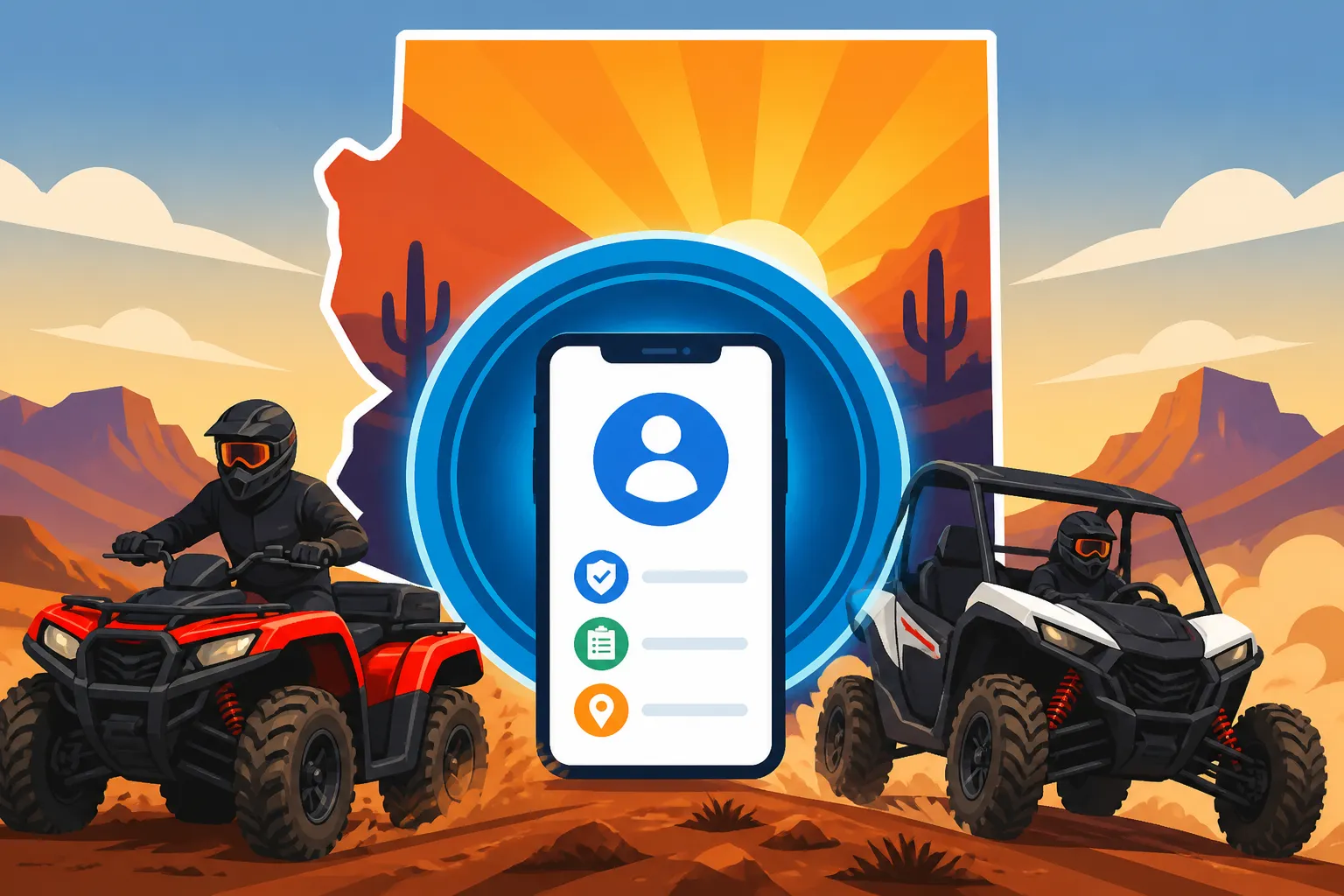
Think of it as your personal filing cabinet for all things related to legal OHV operation in Arizona. Instead of hunting through different state websites or trying to remember which department handles what, you log into one place. This account aggregates your information, tracks your decal status, and even houses your mandatory safety course progress. It’s designed to bring clarity to what can otherwise be a pretty confusing system, especially for new riders or those just moving to our beautiful state.
More Than Just a Hunting License Portal
It’s easy to assume that because it’s linked to Game and Fish, the portal is solely for those who carry a rod or a rifle. But that couldn't be further from the truth for OHV enthusiasts. While yes, you can absolutely purchase hunting and fishing licenses through it, the Arizona Game and Fish Portal Account has become the critical interface for the vast majority of your OHV-related transactions. This is a game-changer because it means a single login gives you access to multiple facets of your outdoor adventures.
For instance, the portal is where you'll go to handle your OHV decals, a fundamental requirement for anyone riding public lands. It also ties into other essential permits that you might need, such as those for State Trust Land access. This integration prevents the frustration of creating multiple accounts across different state agencies, each with its own login and password requirements. It’s about making outdoor recreation accessible and manageable, which is something we can all appreciate when we'd rather be out on the trails.
Why Every OHV Rider Needs One
Simply put, if you plan to ride your ATV or UTV off-highway on Arizona's public lands, you need an OHV decal. And to get that decal, you need to use the Arizona Game and Fish Portal Account. It’s not just a suggestion; it’s the primary gateway to legal OHV operation in the state. Without this account, you can’t apply for or renew your required annual decal, which means you can’t legally hit the trails and could face penalties. It's a foundational step that every rider, whether you're a weekend warrior or a hardcore desert explorer, must take.
Beyond the decal itself, the portal is also where you'll access the mandatory [Arizona's Free Mandatory OHV Decal Course]. This course is vital for understanding safe riding practices, environmental stewardship, and state regulations, and it’s a prerequisite for obtaining your decal. The portal keeps a record of your completion, so you don't have to worry about losing a certificate. It truly is the central nervous system for your OHV compliance, consolidating everything from educational requirements to permit management, ensuring you’re always up-to-date and ready to ride.
Setting Up Your Arizona Game and Fish Portal Account: A Step-by-Step Walkthrough
Getting your Arizona Game and Fish Portal Account set up might seem like a daunting task, another online hurdle to jump, but I promise you it's a straightforward process if you gather your information beforehand. Most frustrations come from having to stop halfway through to find a piece of data. So, let’s break it down into manageable steps to get you on the path to managing your OHV needs with ease. This account is your first real step toward getting that [Arizona's Annual OHV Decal Explained].
Having this portal account will also make it much easier when you need to handle other paperwork, like understanding your [Proof of Ownership for an Arizona Title] or even creating a [What an Arizona Bill of Sale Should Carry] for a future sale. While the portal doesn't handle title transfers directly, having all your associated information in one digital place can certainly help streamline your overall record-keeping.
Gathering Your Information
Before you even click over to the Arizona Game and Fish website, take a moment to pull together some essential personal details. You'll need your full legal name, date of birth, and a valid email address. Make sure it's an email you check regularly, as this will be your primary communication channel for account verification and important updates. You'll also need to create a secure password – something strong, but memorable, that combines letters, numbers, and symbols. Avoid using easily guessable information like birthdays or pet names.
Additionally, be prepared to provide your current mailing address and a phone number. The system may also ask for your driver's license number or another form of identification to verify your identity. If you've ever had any interaction with Arizona Game and Fish before, such as purchasing a previous license or permit, having that information handy can help link your new portal account to any existing records. This ensures a smoother setup and prevents duplicate accounts, which can lead to confusion down the line.
Navigating the Online System
Once you have your information ready, head to the Arizona Game and Fish Department's website and look for the "Portal Login" or "Create Account" option. You'll typically be prompted to enter your personal details into a series of online forms. Pay close attention to accuracy, as any typos or incorrect information could cause delays or issues with your account later. The system is designed to guide you through each step, but don't rush. Read each prompt carefully.
During this process, you might be asked to select security questions and provide answers. These are crucial for account recovery if you ever forget your password. Choose questions and answers that you will definitely remember but that aren't easily discoverable by others. The whole idea here is to create a robust, secure account that protects your personal information while providing you with convenient access to all the OHV services you need. Many people find it helpful to write down their username and password in a secure, private place once created, just in case.
Verifying Your Identity and Account Activation
After you've filled out all the necessary forms, the system will usually send an email to the address you provided for verification. This email will contain a link that you need to click to activate your account. This step is critical; without clicking that link, your account won't be fully active, and you won't be able to log in or access any services. If you don't see the email right away, check your spam or junk folder, as sometimes these automated messages can end up there.
Once your account is activated, you'll be able to log in using your newly created username and password. You might then be prompted to review your profile and ensure all the details are correct. At this point, you're officially in! You can now explore the portal, link any existing licenses or permits you might have, and start taking care of your OHV business, like applying for your decal. This digital gateway is designed to keep you legally riding on Arizona's beautiful trails.
The Essential Services Your Portal Account Unlocks for OHV Riders
Having your Arizona Game and Fish Portal Account isn't just about getting an OHV decal; it's about gaining access to a suite of services that streamline your entire OHV experience in Arizona. From managing your decals to handling land access permits, this account acts as your personal command center for legal and responsible riding. It ties directly into why we often discuss [Arizona MVD OHV Registration Explained] even though the decal comes from Game and Fish, as both are necessary for full compliance.
The convenience this portal offers cannot be overstated. Instead of wondering if you've missed a renewal or forgotten a critical step, your account serves as a living record. It’s far more organized than a folder full of paper copies, which can get lost or damaged, especially for those of us who spend a lot of time out in the elements. This digital approach also means you can often take care of important tasks even when MVD offices are closed, fitting into your schedule rather than forcing you to adjust it.
Applying for and Renewing Your OHV Decal
This is, without a doubt, one of the primary reasons OHV riders use the Arizona Game and Fish Portal Account. Once you're logged in, you can easily navigate to the section for OHV decals. Here, you'll find options to apply for a new decal for a recently acquired machine or to renew an existing one. The system will guide you through entering your vehicle identification number (VIN) and confirming your vehicle details. This process is generally quick and efficient, especially if all your information is already up-to-date in the MVD system.
The portal also makes [Renewing an Arizona Decal Online] incredibly simple. You’ll typically receive email reminders as your decal expiration date approaches, prompting you to log in and complete the renewal process. This proactive notification is a lifesaver, helping riders avoid the frustration and potential penalties of an expired decal. You can verify your mailing address, pay any associated fees, and then wait for your new decal to arrive in the mail, ready to be affixed to your license plate.
Accessing the Mandatory OHV Decal Course
As mentioned earlier, completing the mandatory OHV Decal Course is a prerequisite for getting your decal. The Arizona Game and Fish Portal Account is where you access this free online course. Once logged in, you can launch the course directly from your dashboard. It covers crucial topics like responsible riding, safety equipment, environmental protection, and basic Arizona OHV laws. It's not just a hoop to jump through; it's genuinely informative, helping us all be better stewards of our public lands.
The portal tracks your progress and completion, so once you've finished the course, that information is automatically recorded and tied to your account. This means you won't have to worry about providing proof of completion when you go to purchase your decal; the system already knows you've met the requirement. This integration simplifies the entire compliance process, ensuring that riders are educated and ready for their adventures in the Arizona desert and mountains.
Managing Your Arizona State Trust Land Recreational Permit
Beyond your OHV decal, many of Arizona's most incredible riding areas are located on State Trust Land. To legally access and recreate on these lands, you need an [Arizona State Trust Land Recreational Permits]. And, you guessed it, your Arizona Game and Fish Portal Account is the place to purchase and manage these permits. This is a critical piece of the puzzle for many riders, especially those exploring the vast expanses outside of designated OHV recreation areas.
The portal allows you to purchase individual or family permits, ensuring that you and your riding companions are covered. It’s important to understand the regulations surrounding State Trust Land, as they can differ from federal lands or designated OHV parks. Having your permit managed through the portal ensures that you always have access to your permit information and can easily renew it when needed, keeping your adventures uninterrupted and fully compliant with state regulations.
Keeping Your Information Up-to-Date
Just like any online account, keeping your personal details current in your Arizona Game and Fish Portal Account is essential. If you move, change your email address, or get a new phone number, it's crucial to update this information promptly. Incorrect contact details could mean you miss important renewal reminders for your OHV decal or State Trust Land permit, potentially leading to a lapse in your legal riding status.
Regularly reviewing your profile in the portal ensures that the Arizona Game and Fish Department has the most accurate information for you. This helps ensure smooth communication and efficient processing of any applications or renewals you make. Taking a few minutes to update your address after a move, for example, prevents your new OHV decal from being mailed to your old residence, saving you the hassle of trying to track it down or ordering a replacement.
Here's a quick overview of what your Arizona Game and Fish Portal Account handles for OHV riders:
| Feature | Description | Location to Access/Manage |
|---|---|---|
| OHV Decal Application/Renewal | Apply for or renew your annual off-highway vehicle decal. | "Buy a License/Permit" or "Manage My Account" section |
| Mandatory OHV Decal Course | Access and complete the required online safety and ethics course. | "Take a Course" or "My Courses" section |
| State Trust Land Permit | Purchase and manage recreational permits for accessing Arizona State Trust Land. | "Buy a License/Permit" or "Manage My Account" section |
| Personal Information | Update your contact details, address, and other personal information. | "Manage My Account" or "My Profile" section |
| Communication Preferences | Set preferences for email reminders and notifications regarding permits and decals. | "My Profile" or "Account Settings" section |
Troubleshooting Common Portal Account Issues and Getting Help
Even with the best intentions, online systems can sometimes throw us a curveball. It’s a common frustration in our digital age! Whether you've forgotten a password or encountered an unexpected error, knowing how to troubleshoot common issues with your Arizona Game and Fish Portal Account can save you a lot of time and stress. Don’t just give up and walk away; there are usually simple solutions. For complex issues, sometimes having a legally recognized document on hand, which you might create using a service like LawDepot, can help prove your identity or ownership if a more in-depth inquiry is needed.
For instance, if you're trying to prove ownership and your digital records are somehow glitched, a physical document like a [What an Arizona Bill of Sale Should Carry] could be incredibly useful. While not directly related to the portal account, having a comprehensive paper trail is always a good idea in addition to your digital records.
Forgot Your Password?
This is probably the most common issue we all face with online accounts. If you can’t remember your password for your Arizona Game and Fish Portal Account, don't panic. Look for a "Forgot Password" or "Reset Password" link on the login page. Clicking this link will typically prompt you to enter the email address associated with your account. The system will then send you an email with instructions on how to reset your password, usually including a temporary link or a code.
Follow the instructions carefully in the password reset email. You’ll likely be asked to create a new, strong password. Remember to choose something unique that you haven't used for other online services and that meets the password complexity requirements (e.g., a mix of uppercase and lowercase letters, numbers, and symbols). Once you’ve successfully reset it, try logging in immediately to confirm that your new password works. If you still have trouble, double-check that you're using the correct username or email address.
Dealing with Technical Glitches
Occasionally, you might encounter a technical glitch on the Arizona Game and Fish Portal itself – perhaps a page won't load, a button isn't working, or you're getting an unexpected error message. Before you assume the worst, try some basic troubleshooting steps:
- Refresh the page: Sometimes, a simple refresh can resolve temporary loading issues.
- Clear your browser cache and cookies: Old cached data can sometimes interfere with website functionality.
- Try a different browser: If you're using Chrome, try Firefox or Edge, for example. This can rule out browser-specific issues.
- Restart your computer or device: A full restart can clear up underlying software conflicts.
If these steps don't resolve the issue, make a note of the specific error message, the page you were on, and what you were trying to do. This information will be invaluable if you need to contact customer support. You might also want to ensure your internet connection is stable, as intermittent connectivity can also cause problems with online transactions.
Understanding Error Messages
Error messages can be frustrating because they often use technical jargon that isn't immediately clear. However, they usually contain clues that point to the problem. For instance, an error message might say "VIN not found" if you've mistyped your vehicle identification number when applying for a decal. Or, it might indicate "Payment failed" if there was an issue with your credit card information. Always read the message thoroughly, even if it seems confusing.
If the error message is vague or persists after basic troubleshooting, don't hesitate to contact the Arizona Game and Fish Department directly. Their customer service team is equipped to handle portal-related issues and can often guide you through complex problems or identify if there's a system-wide issue. Providing them with the exact text of the error message, along with details of what you were doing when it appeared, will greatly assist them in diagnosing and resolving your problem efficiently. Sometimes, for critical legal documents like a power of attorney (which you could draft through LawDepot), you might even consult a legal professional if the issue impacts an official transaction.
Disclaimer
This article is for general informational purposes only and does not constitute professional advice. Laws, prices and regulations vary by location and change over time. Consult a qualified professional for guidance on your specific situation.